
Case study
Pastelería Pavlova
Client and order management, online store and loyalty club
Live site ↗An inventory control system that deducts stock on every sale, records every inbound and outbound movement in a ledger and warns you before you run out. It comes from a multi-store point of sale already in operation, and we adapt it to how you work.
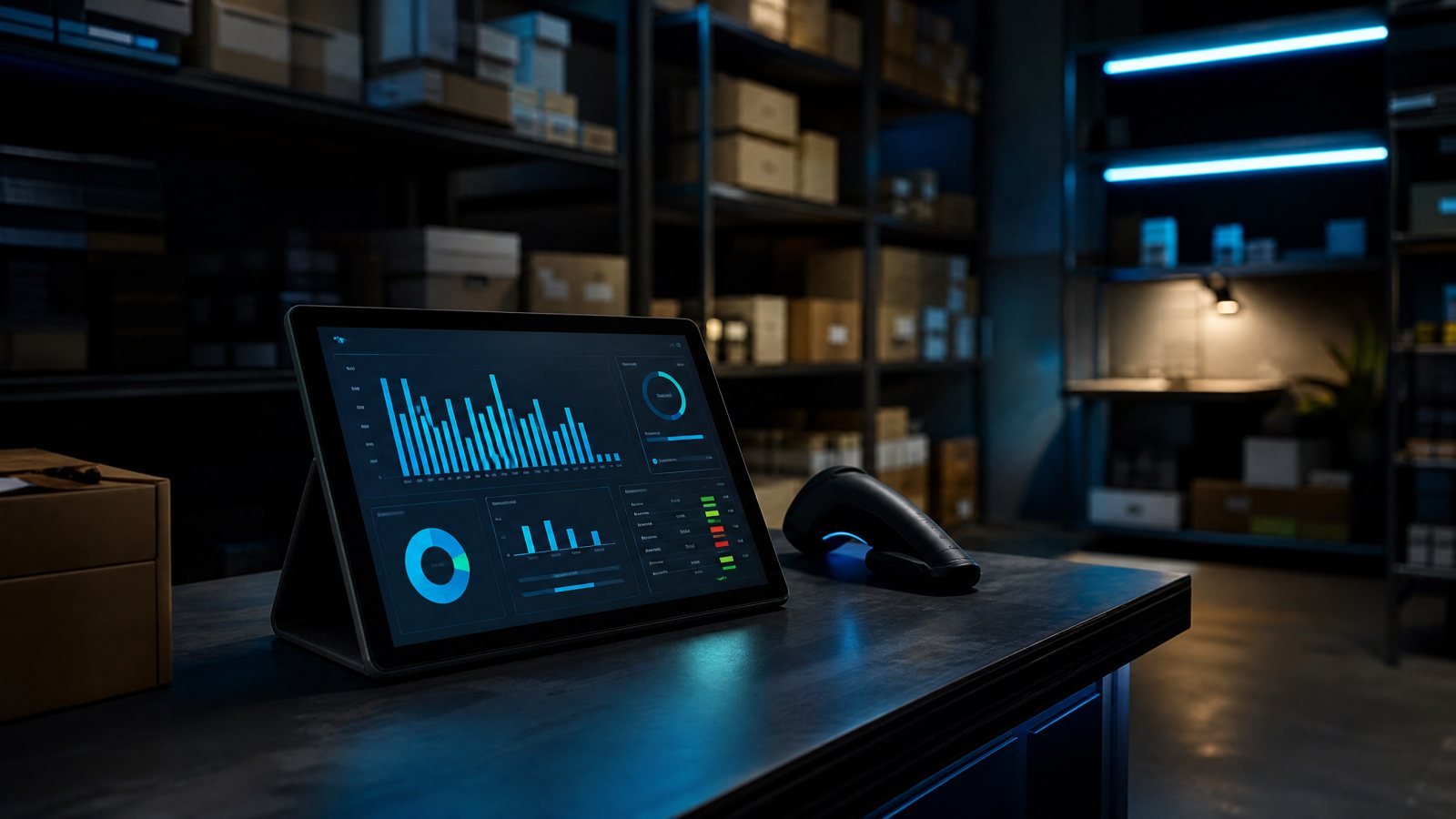
An inventory control system for a small business should deduct stock on every sale, prevent selling what is not there, log every movement with who and when (a ledger), alert when a product drops below its minimum and export reports. iWeb builds custom inventory systems connected to the point of sale and the online store.
The spreadsheet says ten and the shelf holds three. Nobody knows whether it was an unrecorded sale, shrinkage or an adjustment someone made "to make it match". Meanwhile the online store keeps selling what no longer exists and restocking is decided by eye, after the customer asked and left.
Proven in the daily operation of a multi-branch point of sale.
We built this module inside our own multi-store point of sale (Laravel + React), which sells over the counter and syncs products and orders with WooCommerce. That is where we solved the hard cases: combos sold as one item that deduct several products, stores with different stock and products whose inventory is owned by the online store. We also run orders and customers for a bakery with an online shop.
Client and order management, online store and loyalty club
Live site ↗Your inventory looks like nobody else’s: batches, expiry dates, sizes, recipes, raw material that becomes finished goods. We take the proven base and shape it to your rules, instead of forcing you to work the way generic software says.
How we do it: we listen to your process, show you the proven base working, agree on what changes and launch in phases — with a first usable version early and improvements after.
Yes. We already handle WooCommerce sync: products, orders and stock. Other platforms (Shopify, Mercado Libre) connect through their API.
Yes, stock is tracked per store or warehouse, with a shared catalog and per-branch or consolidated reports.
It is the movement log: every inbound, outbound or adjustment is recorded with user, date and reason. It explains any inventory difference without guessing.
Yes. We do the initial load from your spreadsheet and review the data with you before go-live.
It runs on your server or one we manage for you, and the data is yours. There are no per-user licenses.
One page, one goal, zero dead weight: landings that load instantly and turn an ad click into a conversation.
Quotes by zone and vehicle, bookings with online payment and a panel to run the day’s transfers.
Owners, tenants, collections, maintenance and statements in one platform, with an owner portal.
Flexmls MLS listings on your own site, with search, bilingual listing pages and leads that stay with you. RETS vs API, explained.
Accounts, installed equipment, preventive maintenance and work orders with evidence for your technicians.
Lots, reservations, installment sales, receipts, late interest and statements, plus a lot picker on your site.
Tell us how you work today. We reply the same day and, if it fits, show you the system running.
← All solutions · // coded with love & coffee